Precise source links
Use a recognized video URL to select one known upload directly.

YouTube to MP4 is for sources whose picture matters as much as their sound. Select a video, inspect the available video files, and choose MP4 when offered for that upload. Whether you start from a URL or a title search, Y2Mate connects the source to its conversion options. Review the information supplied for the output, then save and test the completed video on your device.
The local chart is temporarily unavailable. Search for a title or artist above.


Paste its individual video link or search by title. Confirm the picture and recording version you want to retain.
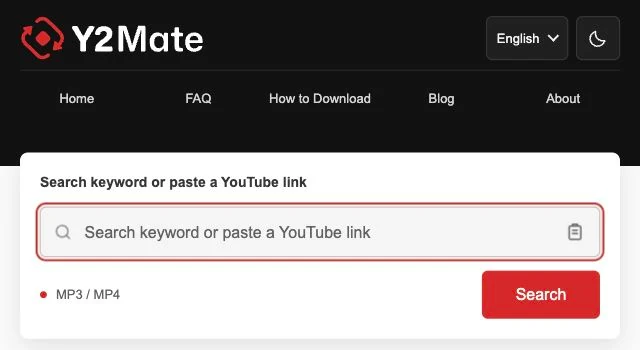
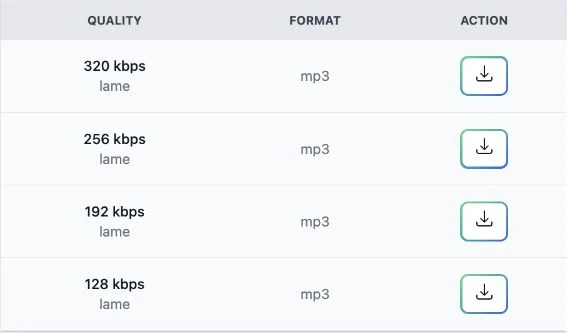
Inspect the offered MP4 output and any supplied resolution, audio, or size information.

Let the browser transfer finish, then open the saved video to verify its picture and soundtrack.
Use a recognized video URL to select one known upload directly.
Search for a video when you know its subject or name but do not have its link.
Compare the files actually available for the chosen upload instead of relying on a universal format list.
A visual demonstration, performance, or on-screen diagram can lose information when saved as audio alone. An offered video output is the relevant choice when you need those details. Look at the original upload first so you know what the saved result should contain. MP3 cannot substitute for the picture in an MP4 video download.
Resolution describes image dimensions, while the media tracks determine the picture and sound inside an MP4 container. Review the information actually supplied for an output. The file extension alone does not promise audio, a particular resolution, or added detail. A low-detail source does not become sharper simply because a larger output is selected.
Video can use more storage than audio-only material, particularly for longer recordings. Use a file-size estimate when one is shown and allow enough space for the transfer. Compare offered choices with the screen and player you plan to use. The appropriate video is the one that preserves the useful content and works for that playback task.
Check the completed local file, including a passage beyond its opening frames. Confirm the picture, sound, and visible information you intended to preserve before moving it. Download only content you own or have permission to save, following the source platform's rules. Unavailable formats or restricted sources are not a request to bypass the provider's limitations.
Material that relies on movement, demonstrations, or visible text needs the picture. An audio-only file cannot preserve those elements.
No. It is a container format. Review supplied track information and play the saved result to confirm its sound and picture.
No. More image dimensions do not restore information absent from the original recording.
Use the offered file-size information if available and check storage on the destination device before downloading.
Yes. Each source and the conversion provider determine which outputs are offered.
Check a later passage too, especially where the useful visual information occurs, and confirm audio playback when needed.
No caption-editing feature is described. Check whether the visual text you need is actually present in the saved result.
Player support for the actual media tracks can differ. The extension alone does not establish compatibility with every player.